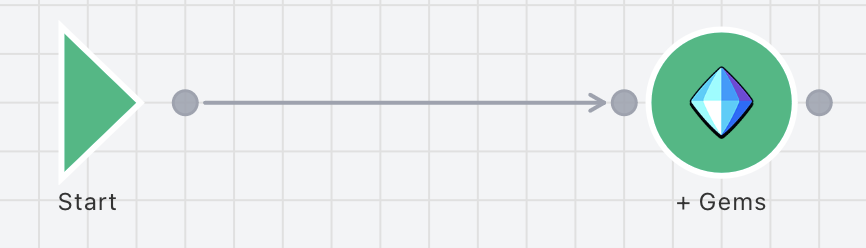
Connections are used to connect nodes together and determine the flow of the simulation. To create a connection, simply hover over the Output connector on a node, then click and drag it to an Input connector on a different node and release. This will automatically create the connection. There are a number of different types of Connections that can be used to alter the flow, Regular, Chance and Conditional. To alter a Connection, simply select it after it has been placed and change its properties in the inspector. All types of Connections can be combined and used from a single output connector. There's no limit on the amount of connections.