Currencies represent anything you can think of in a game really. In the context of GameSim, a currency can be Coins, Gold, Gems, any of the typical resources. It can also be Player Level, Monsters Killed or any other value that you want to track and show in the Graph View.
Every Currency you add is automatically and immediately added to tracking, this will give you insights into how the currency evolves over time in your simulation. In short, the Currencies are the main driver of your simulations.
Currencies Inspector
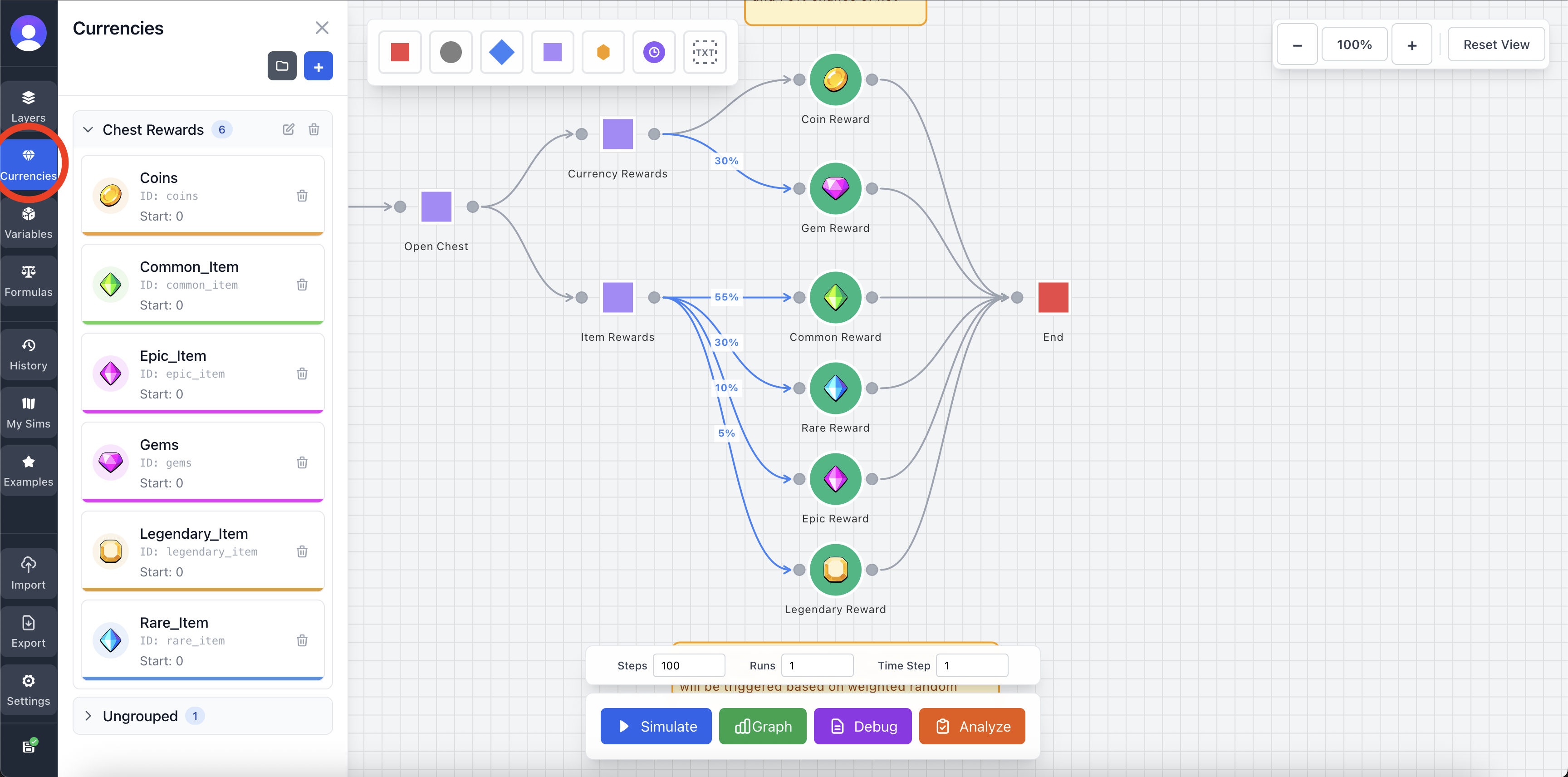
The inspector can be opened by clicking the Currencies button in the left-hand side of the screen. This will present you with an overview of all the currencies in your workspace. By default, there will already be a Currency Folder named System which will have a default currency called Time. Time is automatically incremented by the Time Step every step of the simulation and is used for Timers.
Adding Currency
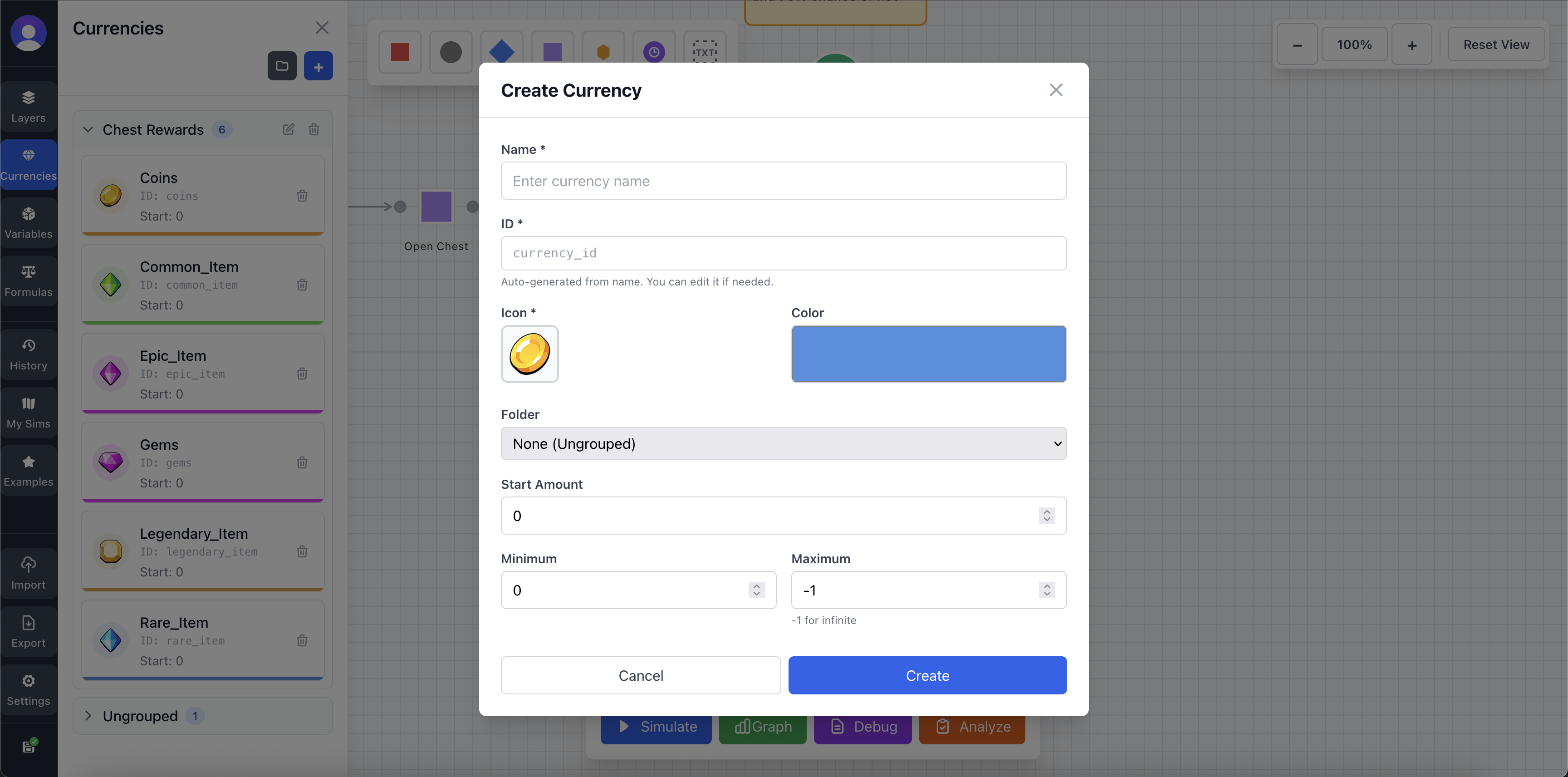
To add a currency simply press the "+" button in the Currencies Inspector. This will bring up the "Create Currency" Screen. Simply add the desired settings and click Create at the bottom-right.
Editing Currency
You can edit the currency, which will show the "Edit Currency" screen by clicking a currency card in the Currency Inspector.
Organizing Currencies
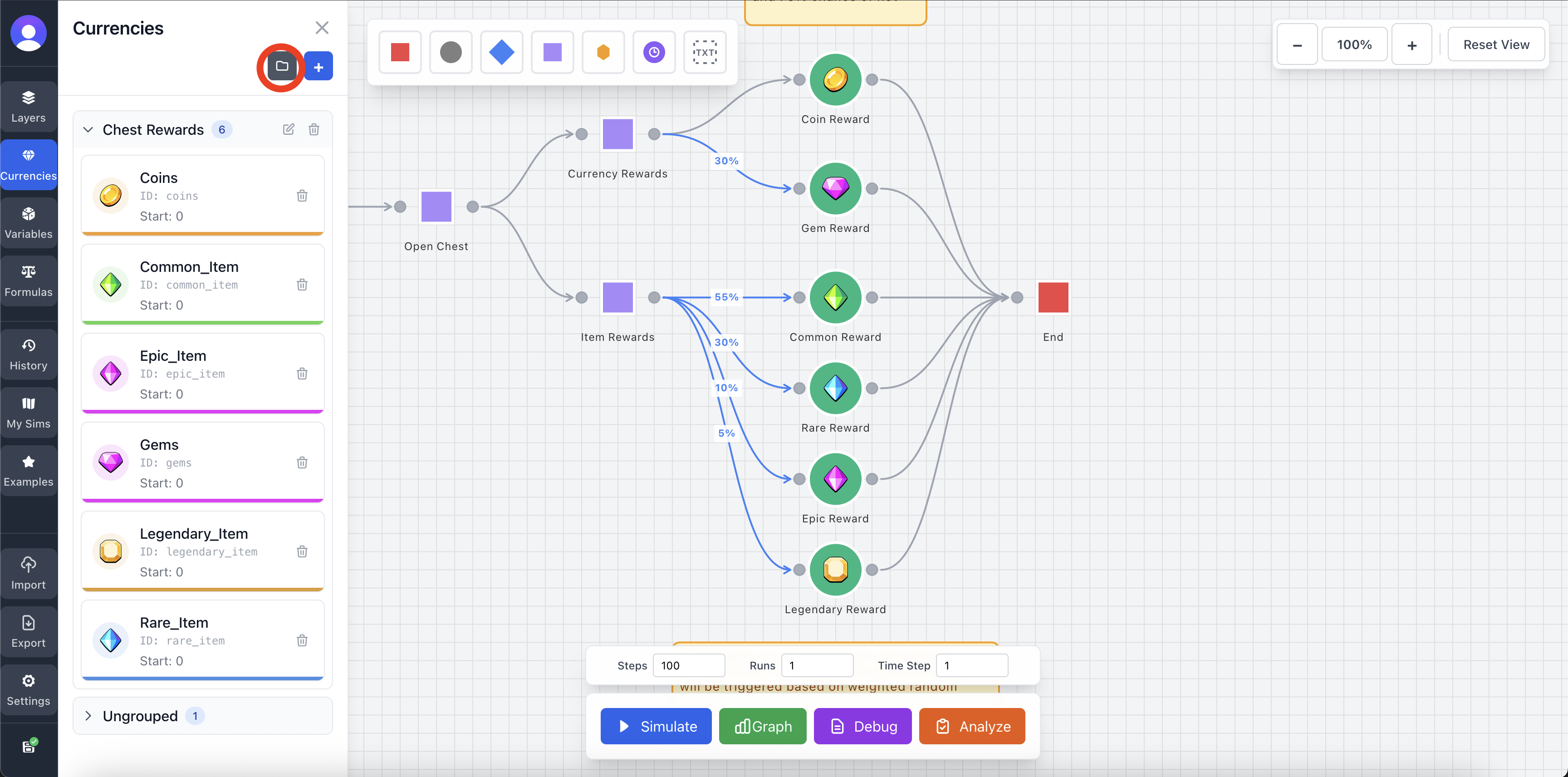
You can create folders to help organize all of your Currencies. This is fairly straight forward and you can create the folder by clicking the folder button.
Tracking Currency
All currencies are tracked automatically within the graph view with the 1 requirement being that the currency is active, meaning that the value has to be modified at some point in the simulation. There's nothing else you have to do, GameSim takes care of that.
Inspector Fields
Each field below is available when creating or editing a currency in the Currency Inspector.
Unique identifier for the currency. Auto-generated from name or can be set manually. Cannot be changed once set (except for non-Time currencies). Must be unique across all currencies.
Display name shown in the UI. Should be descriptive (e.g., "Gold", "Energy", "Experience Points").
Image file path for the currency icon (PNG format recommended). Displayed in economy nodes and currency lists. Helps visually distinguish currencies.
Hex color code used for visual representation. Economy nodes show this color. Used in graph visualization.
Initial value of the currency at step 0 (simulation start). Can be any number, including negative if needed.
Minimum value the currency can reach. Currency values are always clamped to this minimum after all layers execute in each step. If not set, there is no minimum limit.
Maximum value the currency can reach. Currency values are always clamped to this maximum after all layers execute in each step. Use -1 for no maximum limit.
Optional organization folder ID. Used to group currencies together in the Currency Inspector for better organization.