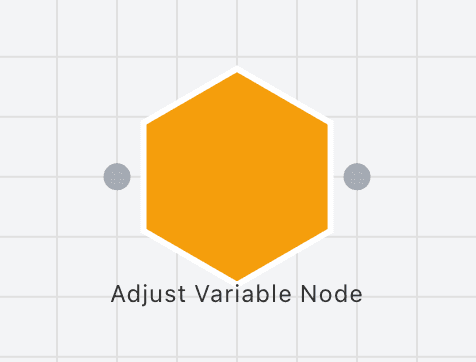
The Adjust Variable Node allows you to directly manipulate the value of a variable during the simulation. This change persists throughout the simulation but is lost upon simulation stop/complete.
Example
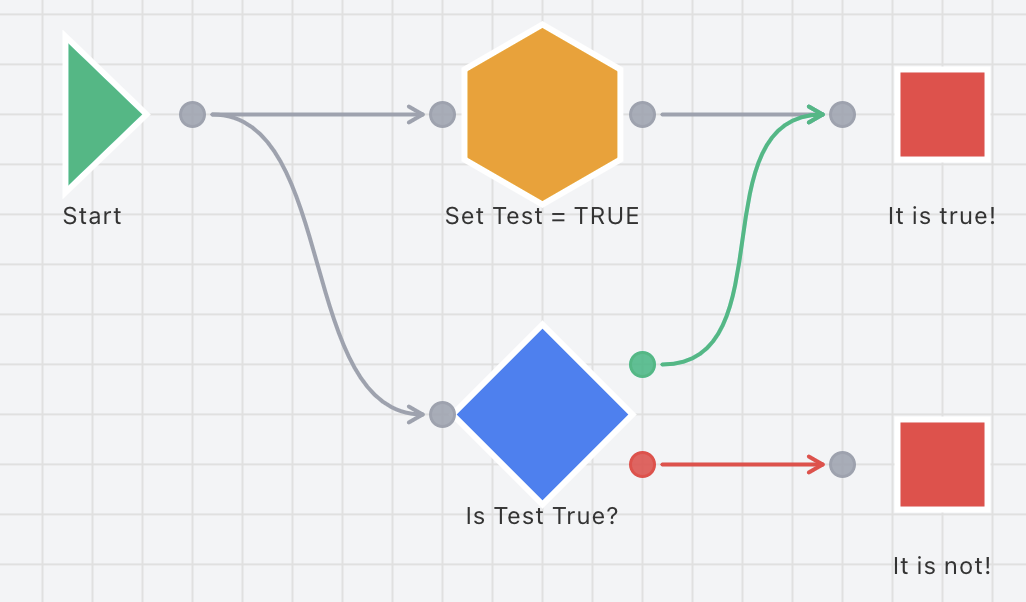
Connectors
Inspector Fields
Each field below is available on this node in the inspector.
The display name of the node
Any string value
The variable to modify. Required for the node to function
0-based index of the array element to modify. Only shown when an array variable is selected
Number (0 to array length - 1) or variable reference
The operation to perform on the variable. For boolean: Set or Toggle. For others: Set, Increase, Decrease, Multiply, or Divide
Value mode: Absolute uses a fixed value, Random uses random between min and max. Only shown for non-boolean variables
The value to use (for Set operation on boolean: TRUE/FALSE, for others: number or variable reference). Not used for Toggle operation
Boolean (true/false), number, or variable reference
Minimum value for random mode (number or variable reference). Only shown when Value Mode is Random
Maximum value for random mode (number or variable reference). Only shown when Value Mode is Random
When enabled, this node will start a selected timer when it executes
The timer node to trigger. Timer must be on the same layer